Moog Theremini | General Troubleshooting
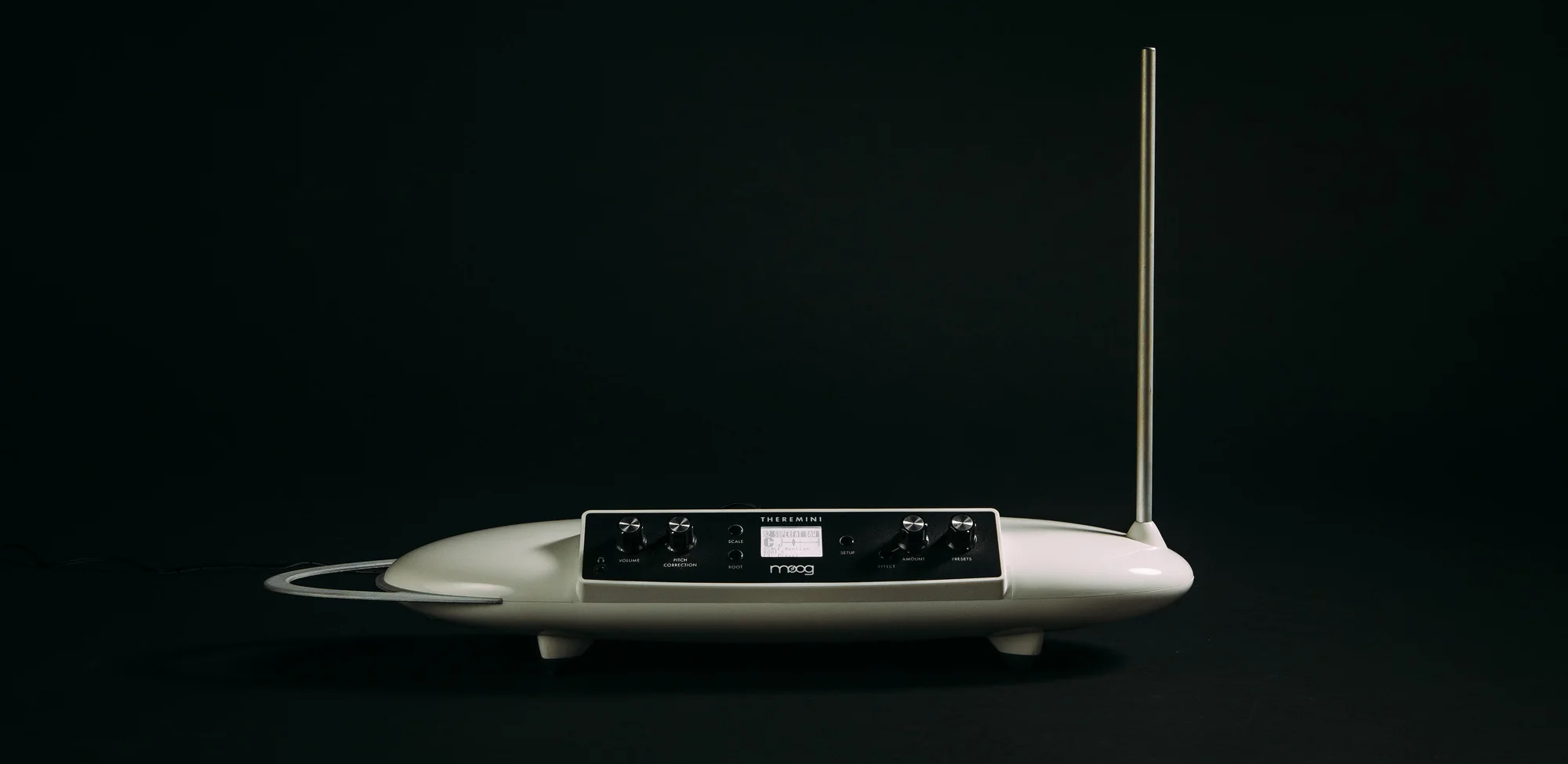
For general troubleshooting of the Theremini, we recommend the following steps in order:
TABLE OF CONTENTS
SysEx Software
Some of these troubleshooting steps requires the use of a SysEx software. This is a piece of software specifically designed for sending and receiving SysEx (.syx) files. These procedures specifically require sending the SysEx files from the software to the synth. Below are the two recommended SysEx software, and their associated method for setting up a MIDI output.
SysEx Librarian (Mac) - The synth will appear in the drop-down menu at the top of the screen.
Bome Send SX (Windows) - Go to MIDI Out and select the synth from the choices provided.
If you are having issues sending a SysEx file, a common solution can be to adjust the SysEx data transfer speed to transfer slower.
SysEx Librarian - Settings > Transmit Speed
Bome Send SX - Options > Settings > Actual MIDI Speed
Factory Reset
- Hold down the ROOT and SETUP buttons whilst powering the Theremini ON.
- This will restore all factory defaults but will not affect the user’s presets.
Antenna Calibration
- Calibrate the antennas to your space by following the instructions in P9-11 of the MANUAL.
- Here is a VIDEO on calibrating the Theremini.
Reload Factory Presets
- Download the necessary files HERE.
- Connect USB from your instrument to your computer.
- Select the synth as your MIDI output device in the settings of your SysEx sending software.
- Load Theremini Factory Presets.syx into your SysEx handler and click PLAY/SEND to restore all of the factory presets.
Firmware
- You can check the installed firmware version before updating the firmware by holding down the SETUP button and turning the Theremini ON. Please check your firmware version before attempting a firmware update. If you are on the latest firmware version do not update the firmware unless you are experiencing software faults.
- Download the firmware files & update instructions HERE.
Intermittent Pitch Response
If you are experiencing intermittent pitch response, please ensure that:
- Theremini is placed on a mic stand away from electronic devices that may interfere with the signal.
- The pitch antenna is fully inserted downwards into the chassis.
- Keep any cables or wires tucked away from the antennas.
- It may be worth setting the instrument up in another room with various power outlets to compare response.
Was this article helpful?
That’s Great!
Thank you for your feedback
Sorry! We couldn't be helpful
Thank you for your feedback
Feedback sent
We appreciate your effort and will try to fix the article